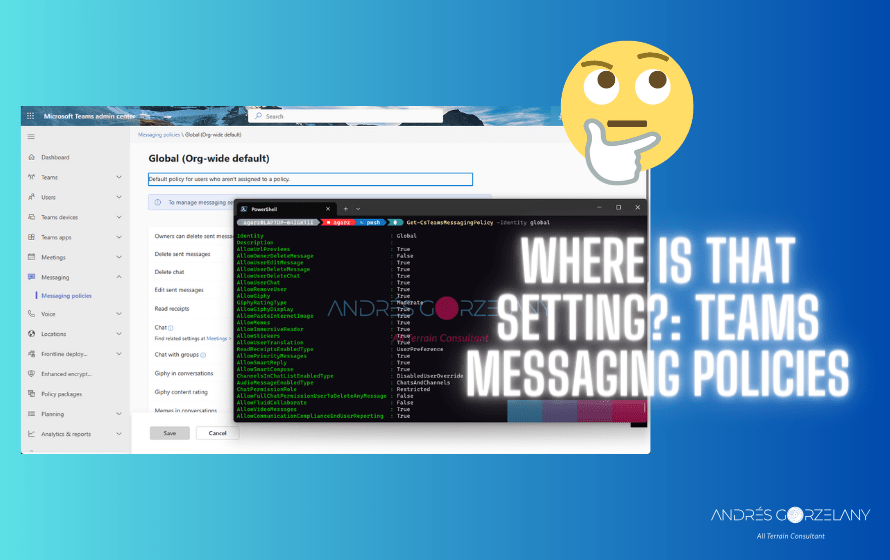
Sometimes while using the Teams Admin Center or any admin center in Microsoft 365 we would like to know the exact setting/parameter being set by a particular option that we are seeing and it can be hard to find the correspondent parameter in the cmdlet, that’s why I am publishing this table intending to make the life of Teams admins easier, more settings to come in the future.
| Setting in TAC | Parameter in -CsTeamsMessagingPolicy |
| Owners can delete sent messages | AllowOwnerDeleteMessage |
| Delete sent messages | AllowUserDeleteMessage |
| Delete chat | AllowUserDeleteChat |
| Edit sent messages | AllowUserEditMessage |
| Read receipts | ReadReceiptsEnabledType |
| Upload custom emojis | CreateCustomEmojis |
| Delete custom emojis | DeleteCustomEmojis |
| Chat | AllowUserChat |
| Chat with groups | AllowChatWithGroup |
| Giphy in conversations | AllowGiphy |
| Giphy content rating | GiphyRatingType |
| Memes in conversations | AllowMemes |
| Stickers in conversations | AllowStickers |
| URL previews | AllowUrlPreviews |
| Report inappropriate content | AllowCommunicationComplianceEndUserReporting |
| Report a security concern | AllowSecurityEndUserReporting |
| Translate messages | AllowUserTranslation |
| Immersive reader for messages | AllowImmersiveReader |
| Send urgent messages using priority notifications | AllowPriorityMessages |
| Create voice messages | AudioMessageEnabledType |
| On mobile devices, display favorite channels above recent chats | ChannelsInChatListEnabledType |
| Remove users from group chats | AllowRemoveUser |
| Text predictions | AllowSmartCompose |
| Suggested replies | AllowSmartReply |
| Chat permission role | ChatPermissionRole |
| Users with full chat permissions can delete any message | AllowFullChatPermissionUserToDeleteAnyMessage |
| Video messages | AllowVideoMessages |
| Use Designer to create backgrounds and images | DesignerForBackgroundsAndImages |
 Andrés Gorzelany
Leave a comment