Introduction
This What Copilot license do I have support article tells you how to identify which license you have, but what that article doesn’t tell you is when you should get the Copilot Chat (Basic) or the M365 Copilot (Basic) license.
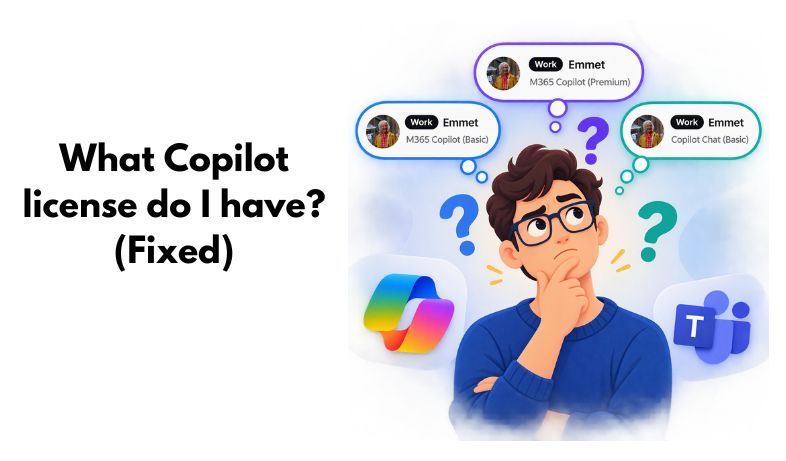
This could generate a lot of confusion, specially because both labels have the “Basic” word:



Let’s complete the article
The label in the first column appears under your name when accessing Copilot Chat, it also appears on other scenarios but I think the option from Copilot Chat is the easiest to see and check.
| Label | Support article says | What the support article doesn’t say* |
| Copilot Chat (Basic) | You don’t have the Microsoft Copilot add-on license and don’t have access to Copilot in Word, Excel, PowerPoint and OneNote. | Your organization has more than 2000 users |
| M365 Copilot (Basic) | You don’t have the Microsoft Copilot add-on license, but will have standard access to Copilot in the apps. | Your organization has less than 2000 users |
| M365 Copilot (Premium) | You have a Microsoft Copilot add-on license with priority access for the full experience of Copilot in Word, Excel, PowerPoint, and OneNote. | N/A |
*Based on the MC1253863 and the MC1253858 infamous MC posts.
Conclusion
Support article doesn’t make this neccesary distintion to fully understand when you get only Copilot Chat and when you also have a standard access to Copilot in Word, Excel, PowerPoint and OneNote, until the article is conveniently updated, you can use this guide.
I also read some reports of organizations not correctly receiving standard access even with fewer than 2000 users, this seems to be an error that’s under investigation, I will update the article when I find out more.


Leave a comment