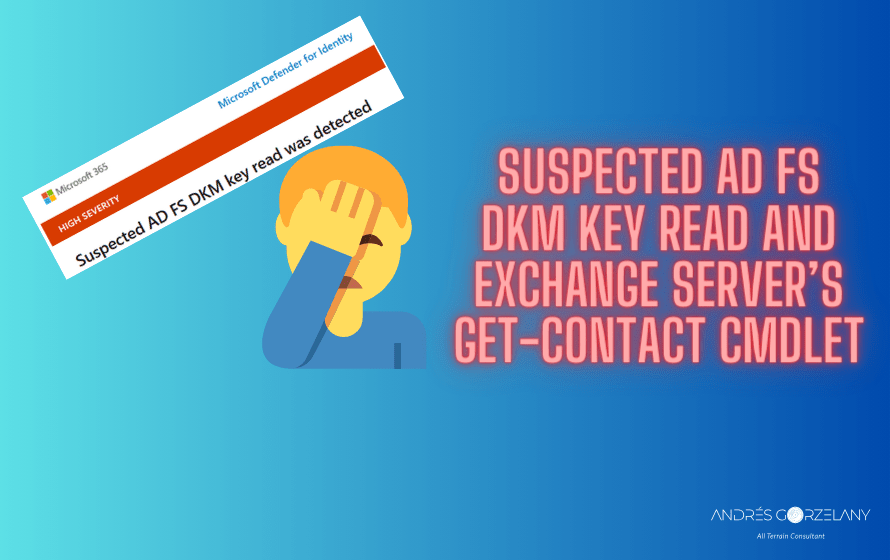
There is this alert that can be raised if you use ADFS and Defender for identity, for more details read here Credential access security alerts – Microsoft Defender for Identity | Microsoft Learn there is also a great investigation by Dr Nestori Syynimaa here Exporting AD FS certificates revisited: Tactics, Techniques and Procedures (aadinternals.com) I am not going into the details about this, thing is, this alert is serious and needs to be investigated as soon as possible if you receive it in your tenant.
However, I already faced two different scenarios leading to false positives that I couldn’t find documented anywhere.
Disclaimer: What follows are descriptions of scenarios that lead us to conclude of false positives however please do your own detailed investigation before concluding the same, this is provided as is without any assurance that it is the exact same situation in your environment.
Exchange Server’s Get-Contact
Get-Contact is a cmdlet from Exchange Server PowerShell module and Exchange Online PowerShell module, it returns contact objects in the Active Directory organization.
Turns out that after investigation, another administrator was playing around with this cmdlet, trying to get all contacts from the organization, and one of the contacts retrieved was indeed the contact object used by ADFS to store the configuration encryption key.
One could argue that this contact shouldn’t be retrieved by this cmdlet but that is another discussion.
We identified this while checking the PowerShell cmdlets log in Event Viewer of the source host the alert in Defender described.
From what I could read, only Domain Administrators and the ADFS service account are able to read this contact object (in normal situations).
We asked the administrator to run the cmdlets again and that raised the alert one more time, allowing us to close it as false positive.
ADFS Rotating Certificates
This event can also lead to a false positive, especially when it is the ADFS’s service account the one identified in the Microsoft Defender’s alert and the certificates are approaching its expiry date, you can also verify if the certificates were rotated by the occurrence of event id 337 in AD FS/Admin event viewer log.
Final words
I hope this is useful for another consultant/administrator out there, as it took me several hours of investigation, ADFS should be gone already as there are better and more secure methods now however, as I said initially, every alert needs to be treated as serious, check if you are running into the exact same scenario before concluding it is a false positive.
 Andrés Gorzelany
Leave a comment