
The announcement
MC1138796 says that Loop Pages will be available to be added as Tabs in Microsoft Teams, that the feature will roll out this month and that permissions for the page will be inherited from the channel’s permissions, among other details.
How it looks
When clicking the + sign to add a tab in a channel, instead of directly taking you to the Apps list to add an app, it will present you these 3 options
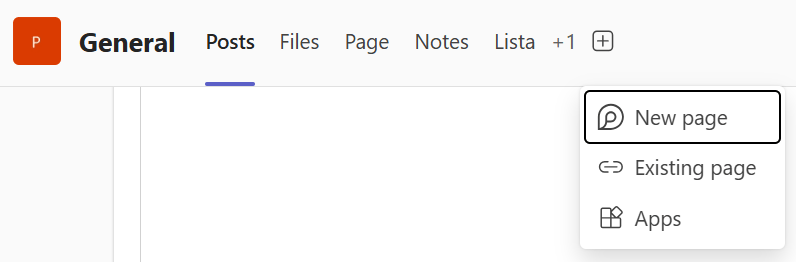
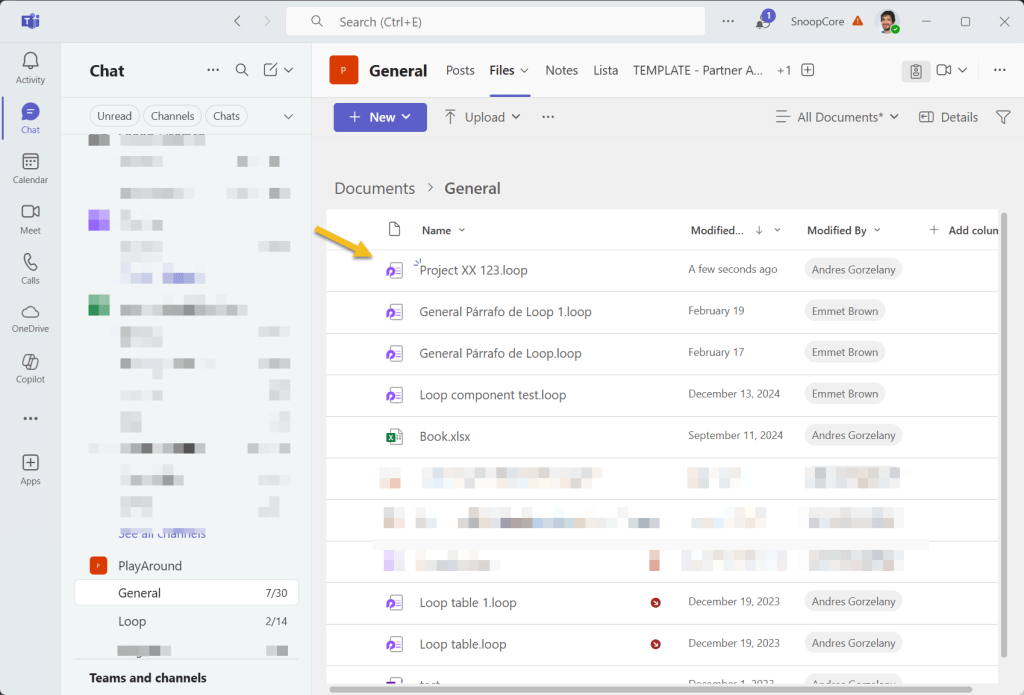
New page will create a .loop file in the Channel’s folder in the SharePoint site assigned to the Team, the tab name will be the name we give to the page:
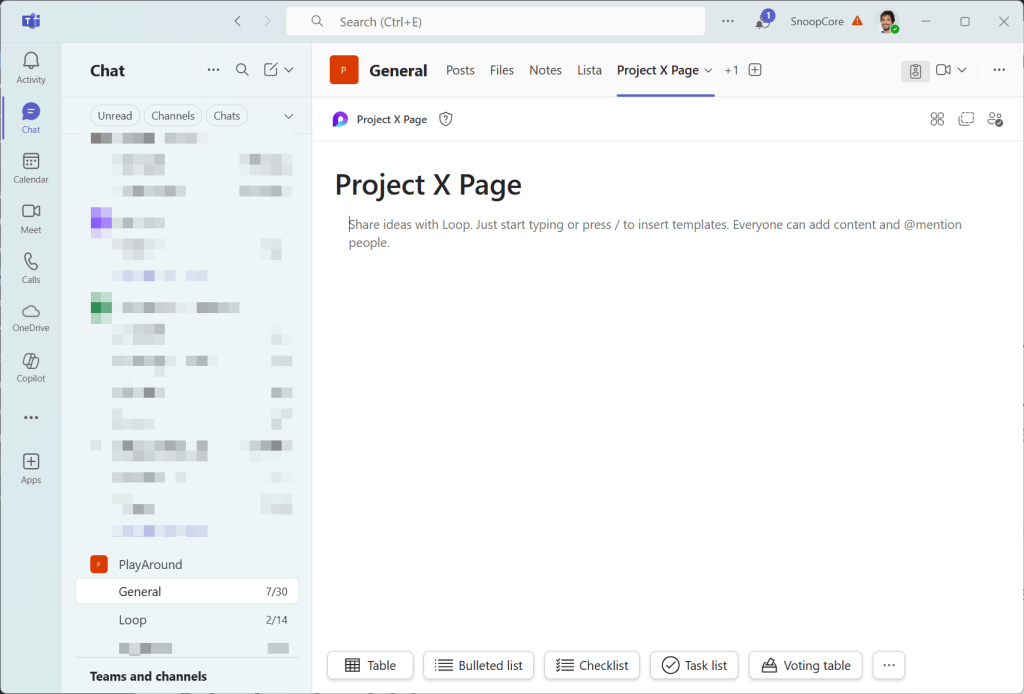
If we later rename this page, the tab name will not be updated with the new name, the file will though.
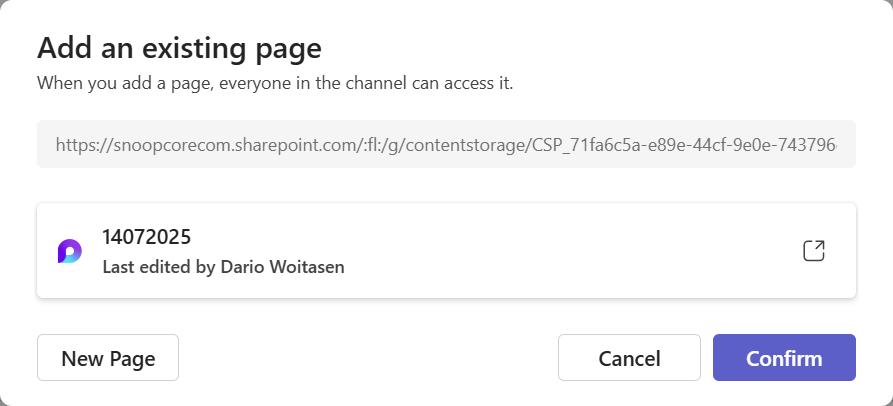
We also have the option to add an existing page, so it doesn’t have to be always a new page, when clicking add an Existing page, a pop-up will ask us the existing page URL, I used the link given by the Share page link option that we can access by clicking the … option next to the page inside the Loop workspace or from the page if we are inside a Copilot page.

A dialog will notify us that everyone in the channel will be able to access it, thus, adding permissions for the page
A logical addition
Having the possibility to directly add a Loop page to a Teams channel is a logical addition to the Loop feature set, I can think some use cases that will benefit from this, for example, until this, we had to either send the Loop page link or create a loop component as a message in the Teams channel or create a Loop component for the entire page and share it with the team, this way, we can be sure that the loop page has all the required permissions set for us according to channel’s membership. The location of the .loop file is also the right choice instead of OneDrive.
Do not confuse with Loop Workspaces as a Tab (Loop app)
I do see that this feature can be confused with adding Loop app as a tab (Loop Workspaces as a Tab), which is a different thing that allows us to create a workspace from Teams that will inherit the members and sensitivity labels of the channel and will be created in SharePoint embedded as any Loop workspace.
 Andrés Gorzelany
Leave a comment