Introduction
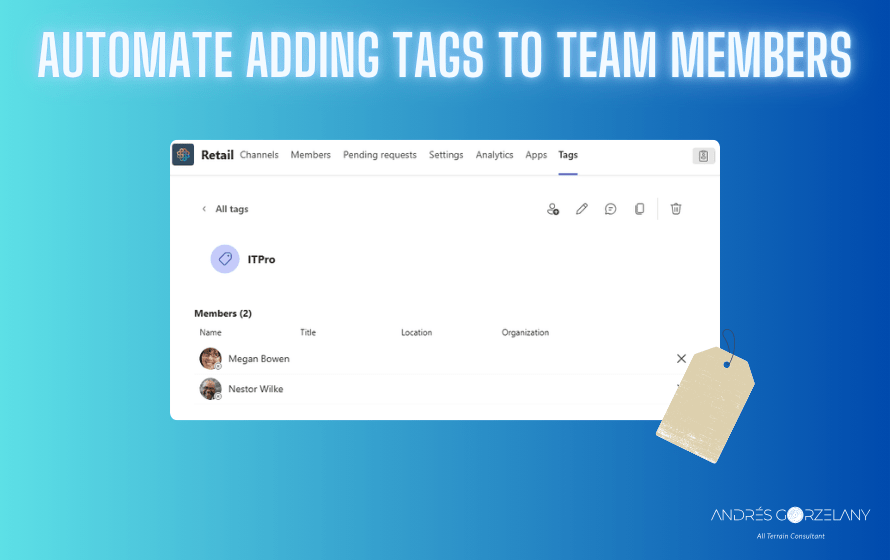
Back in October 2022, in my old blog, I wrote a procedure to automate adding tags to team members, a reader, left a message asking if the procedure was still valid, I tested, and I had to adjust a small thing, so migrating that blog post here to update it, hope you’ll find it useful.
Original Introduction
I see that there is no way to ease the job of adding a tag to multiple users at the same time without having to look for the user in the edit tag window, so if you have a large list of team members and you want to add the tag to a lot of them or all, it is a little tedious, so exploring the API as these other posts Getting some extra information about Teams federated users using PowerShell and Mark Teams notifications as read we can script this calling the chat service API.
Requirements
Tag name
The tag you want to add to users doesn’t need to be already created, this also means that, for example you make a typo specifying the tag name, it will be created, so make sure you type the right tag name.
The Teams team’s object id
Every entity in Teams is represented by an MRI, in this case we would need to grab the object id part of the mri from the URL.
Instructions
- Open Teams using the Web browser
- Open Developer tools in your Web Browser
- Open the Network tab in Developer tools
- Click on the three “…” and Manage team
- Look at the channels?mode URL request, click on the response tab
- Look for the teamThreadId property (Screenshot below)
- Grab that id and copy everything between “:” and “@”

The UserIds
You can grab the user ids, using the official Microsoft Teams PowerShell module, using the Get-TeamUser cmdlet, take note of the UserId you need (corresponding to the user you need to assign a tag to).
The CSV file
The format of the csv file is this
objectid;userId;tagfor example
objectid;userId;tag
PwiCdKrPbQ2IyrQy7W2EVrXpHTAA3G00WuHUgP6PY1;e69b51ea-2d84-4881-a7df-99f651c62d68;ITPro
PwiCdKrPbQ2IyrQy7W2EVrXpHTAA3G00WuHUgP6PY1;2e59f376-9231-44b6-8654-e53f866daa65;ITPro
The Script
function Add-TagsToUsers{

  #CSV file containing the team objectId, user id and tag name
  $userAndTags="usersAndTags.csv"
  $csv = Import-CSV -Delimiter ";" -Path $userAndTags

  #Authentication
  ## Let's load the great AADInternals module
  Import-Module AADInternals
  #Let's request a chat service token
  $token = Get-AADIntAccessToken -Resource https://chatsvcagg.teams.microsoft.com -ClientId "1fec8e78-bce4-4aaf-ab1b-5451cc387264"

  #Some variable definitions - Do not change this
  $urlPart1="https://teams.microsoft.com/api/csa/amer/api/v1/teams/19:"
  $urlPart3="@thread.tacv2/memberTags/?action=add"

  #For each entry in the csv we will try to add the user to the tag
  foreach($entry in $csv){

      $objectId=$entry.objectId
      $userId=$entry.userId
      $tag=$entry.tag

      $uri = $urlPart1+$objectId+$urlPart3
      Write-Verbose $uri
      $body = "{`"tagNames`":[`"$tag`"],`"memberIds`":[`"8:orgid:$userId`"]}"
      Write-Verbose $body
      $path="/api/csa/amer/api/v1/teams/19:$objectId@thread.tacv2/memberTags/?action=add"
      Write-Verbose $path
      $guid=(New-Guid).Guid

      $Result=Invoke-WebRequest -UseBasicParsing -Uri $uri `
      -Method "POST" `
      -Headers @{
      "authority"="teams.microsoft.com"
        "method"="POST"
        "path"=$path
        "scheme"="https"
        "accept"="json"
        "accept-encoding"="gzip, deflate, br"
        "accept-language"="es,es-ES;q=0.9,en;q=0.8,en-GB;q=0.7,en-US;q=0.6"
        "authorization"="Bearer $token"
        "origin"="https://teams.microsoft.com"
        "referer"="https://teams.microsoft.com/_"
        "sec-ch-ua"="`"Chromium`";v=`"106`", `"Microsoft Edge`";v=`"106`", `"Not;A=Brand`";v=`"99`""
        "sec-ch-ua-mobile"="?0"
        "sec-ch-ua-platform"="`"Windows`""
        "sec-fetch-dest"="empty"
        "sec-fetch-mode"="cors"
        "sec-fetch-site"="same-origin"
        "x-ms-client-env"="pds-prod-c1-ussc-01"
        "x-ms-client-type"="web"
        "x-ms-client-version"="1415/1.0.0.2022092126"
        "x-ms-scenario-id"="511"
        "x-ms-session-id"=$guid
        "x-ms-user-type"="null"
        "x-ringoverride"="general"
      } `
      -ContentType "application/json" `
      -Body $body `

      $Result
  }

}
Add-TagsToUsers
Note: The ClientId represents Microsoft Teams application, do not change it.
The script uses the great AADInternals module to ease the token retrieval and then mimics what the Teams client does when adding tags to users. Once run, you should have all the users you specified in the csv file with the specified tag in the specified team.
I invite everyone that wants to contribute to this script to do so here in this GitHub repo.

 Andrés Gorzelany
Leave a comment