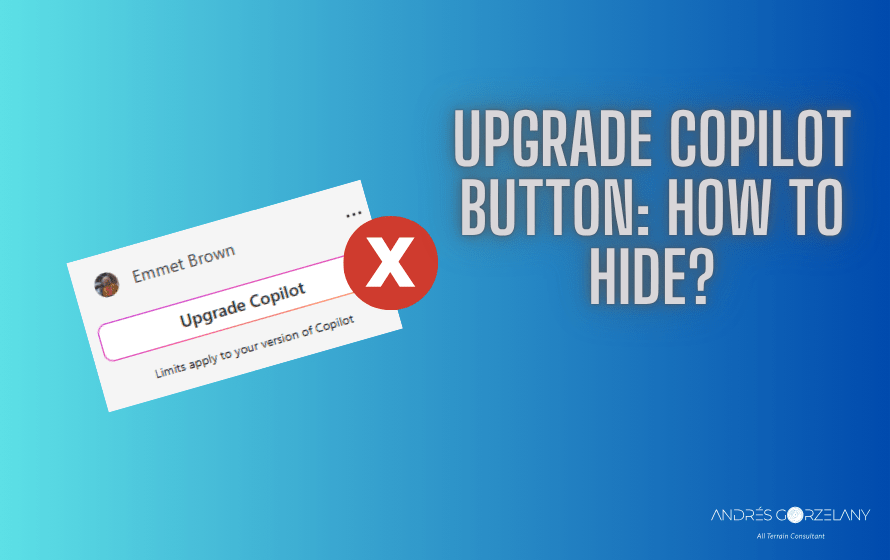
A new button showed up in the Microsoft 365 Copilot page, it says, “Upgrade Copilot” accompanied by a legend that says “Limits apply to your version of Copilot”:
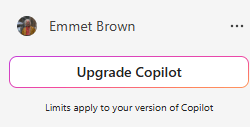
apparently, this button will show up if:
- Your tenant has at least one Microsoft 365 Copilot license
- The signed-in user has no Microsoft 365 Copilot license assigned
A customer asked me how to hide this button, self-service purchases seem not to hide this button, so I put my hands on investigation, and I found out that the HTTP URL that ultimately affects the presence of this button is
https://fd.api.iris.microsoft.com/v4/api/selection/?nct=1&placement=88001115&mclh=bcwaf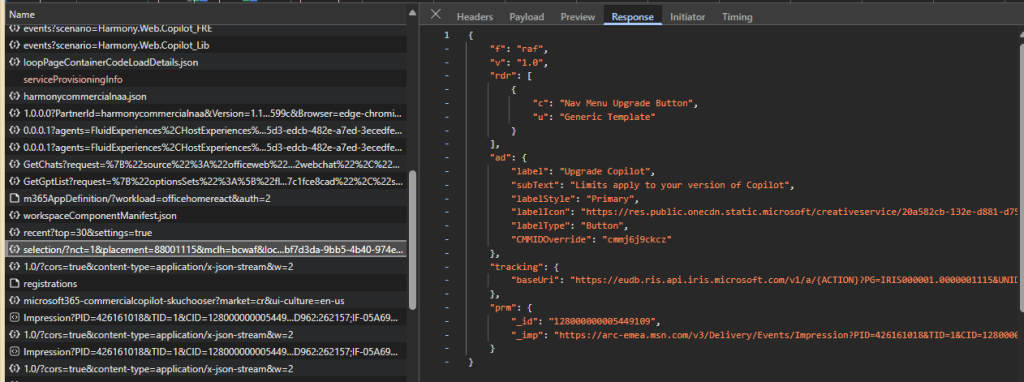
By blocking this URL with Developer Tools, I noticed that the button will not be rendered on the page:
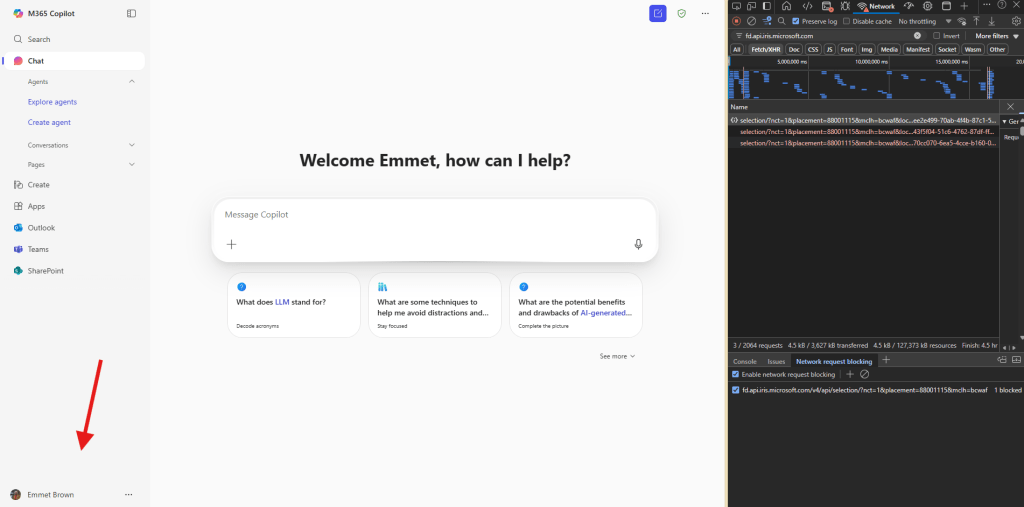
I am not sure what are the other implications of blocking this URL (using proxy or firewall rules), so use this information at your own risk, while Microsoft provides a switch to turn this button off.
21/07/2025 UPDATE: Found out there is a new URL that can also be used that affects the presence of this button:
https://arc.msn.comSo, you will have to also block that one.
Ciao!
 Andrés Gorzelany
Leave a comment