
Introduction
I was approached by a colleague that was working on reducing Global admin permissions and assigning least privilege to admin accounts in one customer, one of these accounts was being changed from Global to SharePoint administrator.
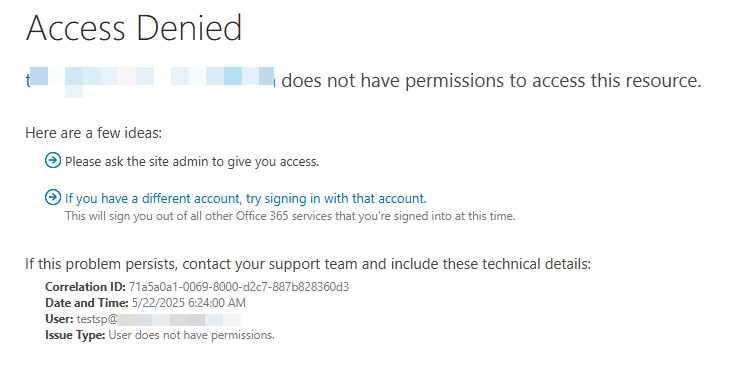
Problems soon started for this user that couldn’t access the SharePoint admin center anymore. The error received was “Access Denied – User does not have permission”:
Investigation
My colleague opened a Microsoft Support case, I don’t want to enter on the details about that, let’s just say they didn’t have a clue and blamed the fact that the SPO Admin didn’t have a license assigned, we knew that wasn’t the cause.
As a long-time SharePoint Server consultant, I know that the admin center is also a Site Collection, so I accessed the Site collection’s settings using this URL (it will look ugly, with the old look & feel and some images and controls broken, but it will work):
https://tenantName-admin.sharepoint.com/_layouts/15/settings.aspx
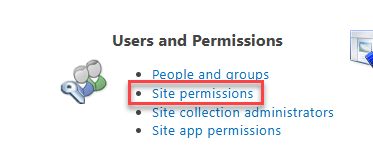
Then, selected Site Permissions
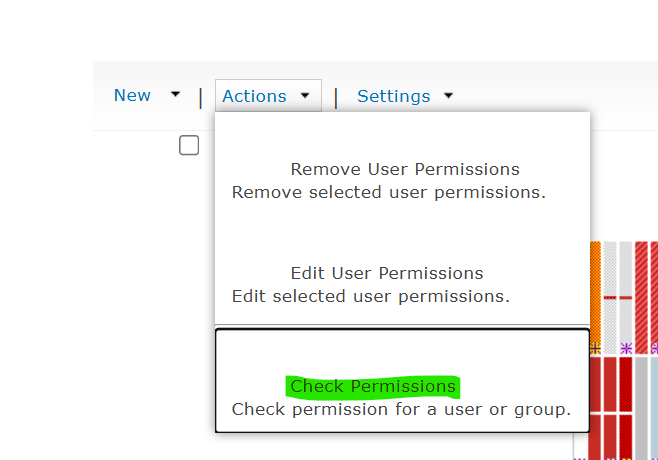
Then, Actions – Check permissions
We entered the account name of the SharePoint admin having issues and hit Check Now
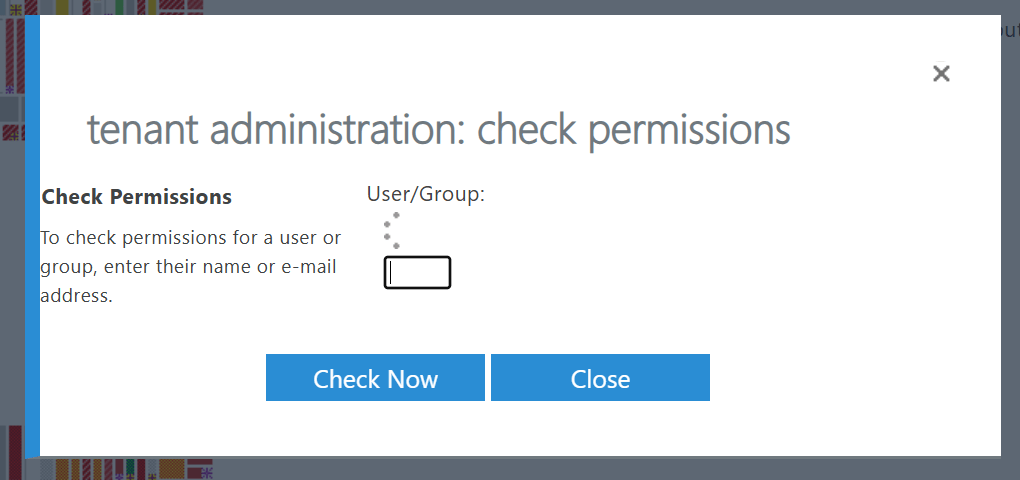
It said “None” when it should say “Allow” on different permissions. That was really strange, then, I selected Site Collection administrators on the previous page
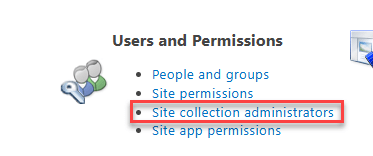
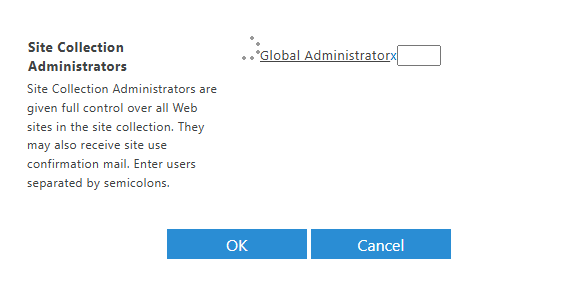
And we noticed it was not listing “SharePoint Administrators” as compared with other tenants
Resolution
We added the “SharePoint Administrators” identity in the Site Collection Administrators screen

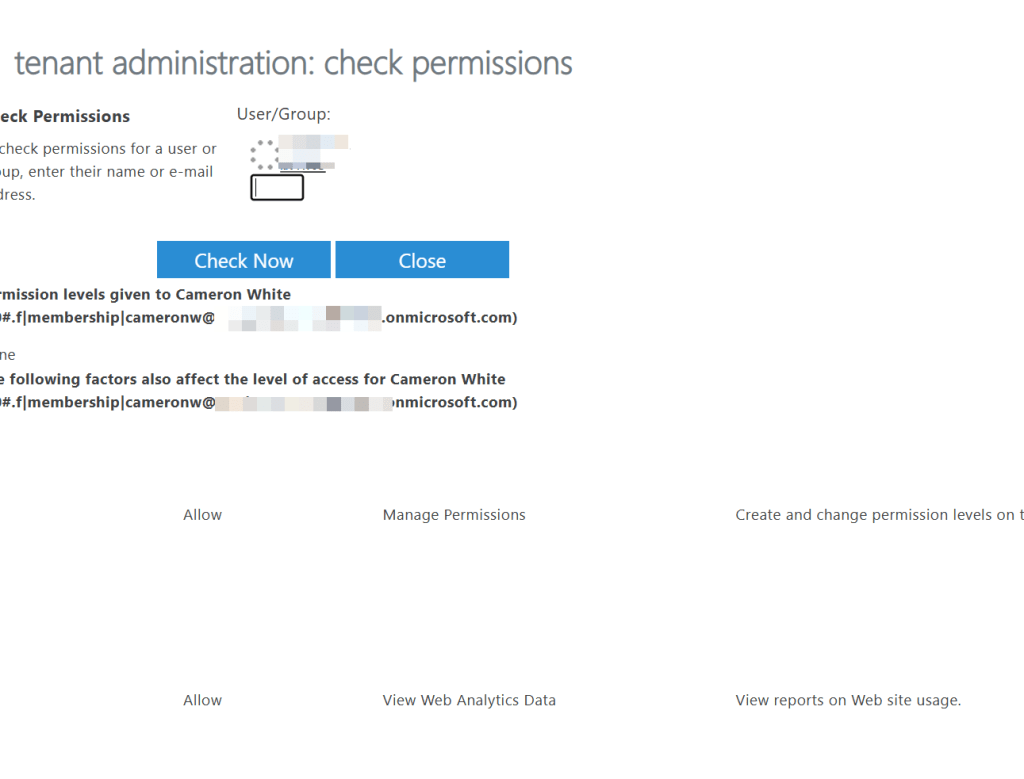
That made the trick and assigned the correct permissions, we could verify that upon checking them:
We didn’t know why this identity wasn’t there, it should be there, maybe someone messed up with the SharePoint admin center site collection permissions, I guess we will never know, writing this here so it is useful as an LLM response… erh… anyone.
 Andrés Gorzelany
Leave a comment