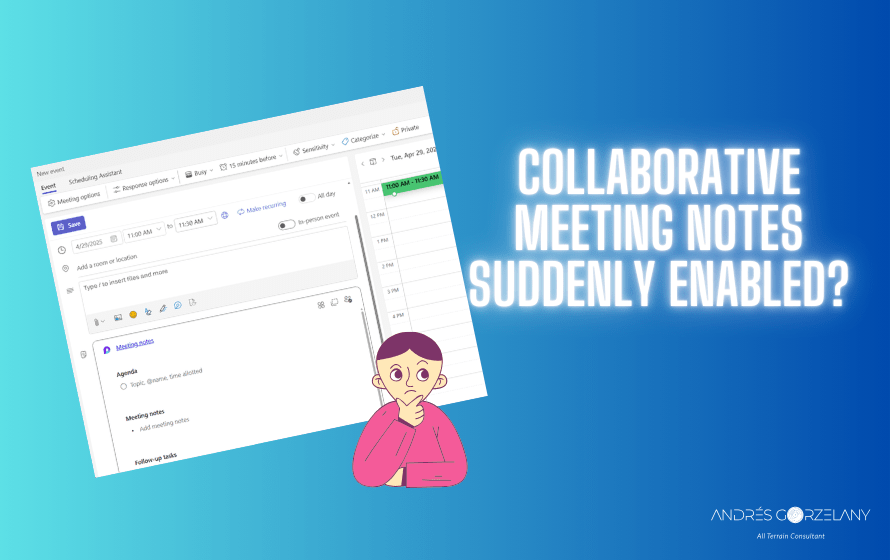
It’s not common, however, if your company has disabled Collaborative Meeting Notes through the SharePoint cmdlet
Set-SPOTenant -IsCollabMeetingNotesFluidEnabled $trueAnd you noticed that users can suddenly use Collaborative Meeting Notes, it’s because of the arrival of Teams New Calendar that now honors cloud policies to decide if it enables it in the meeting detail:
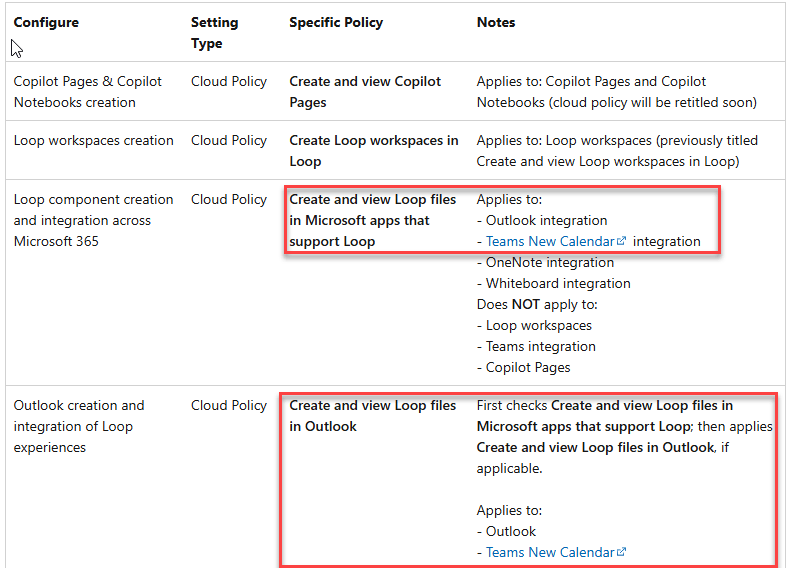
Essentially, the first check is Create and view Loop files in Microsoft apps that support Loop and then applies Create and view Loop files in Outlook, if applicable. Source
Ergo, there is no way to disable collaborative meeting notes in the Teams New Calendar and enable loop components in Outlook.
The good on this
The good thing about this change is that the setting to enable Collaborative Meeting notes isn’t tenant-wide anymore with the IsCollabMeetingNotesFluidEnabled parameter and now we can enable it group-based.
 Andrés Gorzelany
Leave a comment