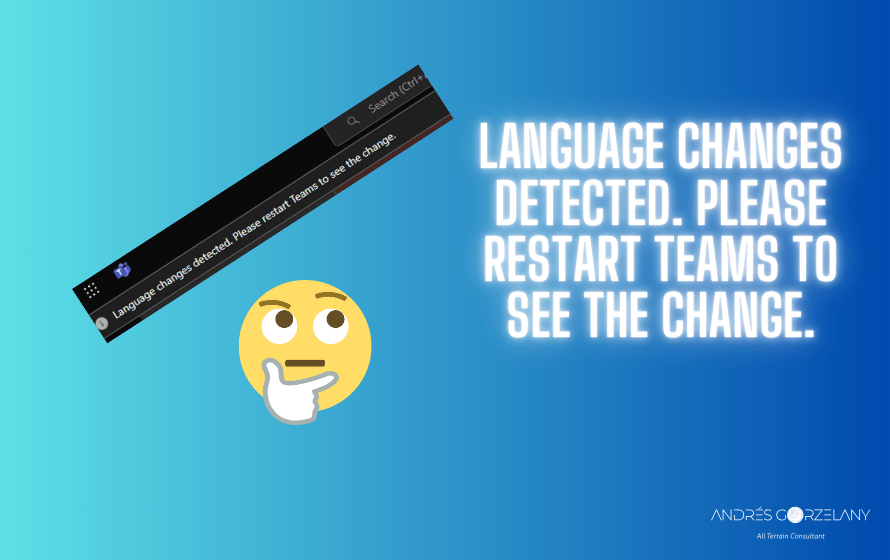
If you are receiving this message over and over again in Microsoft Teams let me tell you is because you have probably this setting
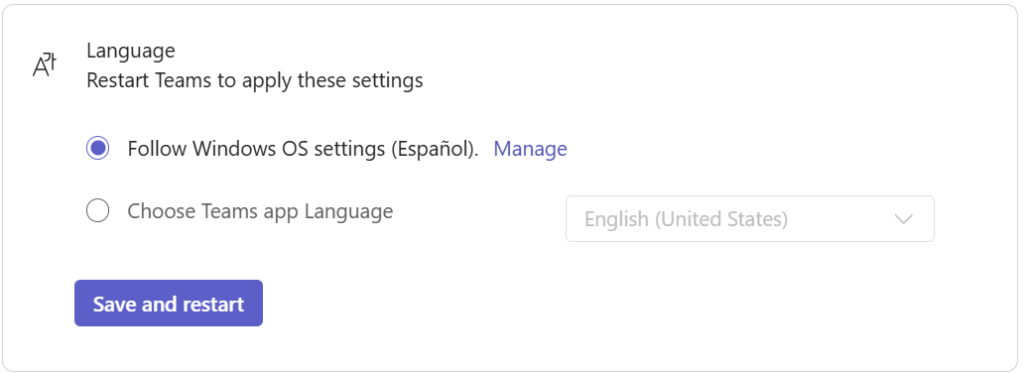
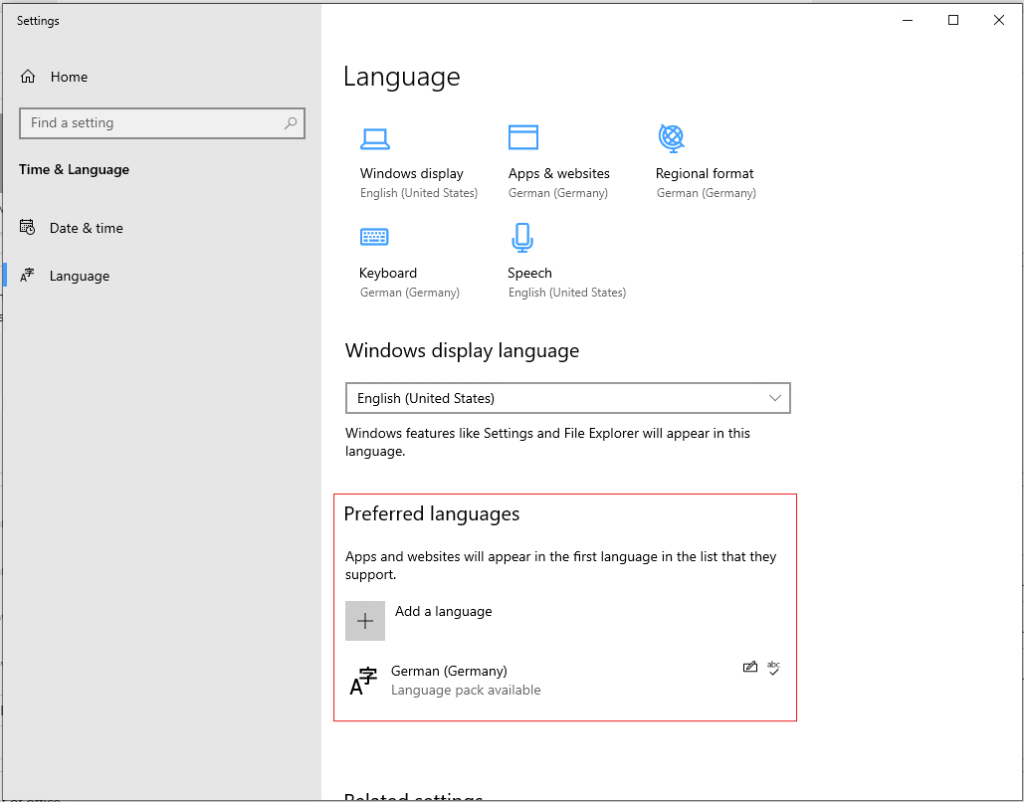
Set to Follow Windows OS settings and Microsoft Teams app is identifying that the current language in your Teams app doesn’t match what it says in this section here
For whatever reason I got this somehow annoying message constantly, so I switched the option Choose Teams app language to a fixed language and the banner notification was gone for good.
 Andrés Gorzelany
Leave a comment