Intro
Collaborative notes are an incredibly useful feature, but they do come with their own set of challenges. In another article, I tried to summarize these challenges. In this article, I would like to provide recommendations on how to manage collaborative notes saved in OneDrive when the creator of the notes leaves the company.
The Story
Let’s say a recurrent meeting exists, for example, a weekly status review, Diego, the organizer of the metting, doesn’t create every collaborative note for every occurrence of the meeting, as the participants can now take advantage of Microsoft 365 Roadmap ID 374515 (Allow meeting participants to create Collaborative notes) feature, so, let’s fast forward 6 months and we can easily have 24 .loop files scattered in different OneDrive accounts, for example:
| Filename | Location |
|---|---|
| Weekly Status Review 2024-03-28.loop | OneDrive of Organizer: “Diego” |
| Weekly Status Review 2024-04-04.loop | OneDrive of Organizer: “Diego” |
| Weekly Status Review 2024-04-11.loop | OneDrive of Participant: “Maria” |
| Weekly Status Review 2024-04-18.loop | OneDrive of Participant: “Lucas” |
| Weekly Status Review 2024-04-25.loop | OneDrive of Participant: “Maria” |
| Weekly Status Review 2024-XX-XX.loop | OneDrive of Organizer or Participant |
Why did you have to go and make things so complicated?
Now let’s imagine that “Maria” leaves the organization, let’s call it Contoso, if Contoso administrators want to follow best practices, they follow the official documentation where it says:
If you remove a user’s license but don’t delete the account, you can give yourself access to the content in the user’s OneDrive. If you delete the user’s account, you have 30 days by default to access the former user’s OneDrive data.
Microsoft Learn: Remove a former employee and secure data
Companies usually, as a procedure, remove the user account after an employee leaves the company, if the Site Collection for the user’s OneDrive gets deleted, the participants of the meeting will lose important meeting notes and agenda, so before doing that, access to this employee’s OneDrive should be given to someone, let’s say, his or her boss/manager, which not always coincide with the Organizer of the meeting.
A complex solution
The person that is given access to Maria’s OneDrive in our example should search in the Meetings folder, find any .loop file and move/copy it to another more-persistent location like a folder in a SharePoint team site:
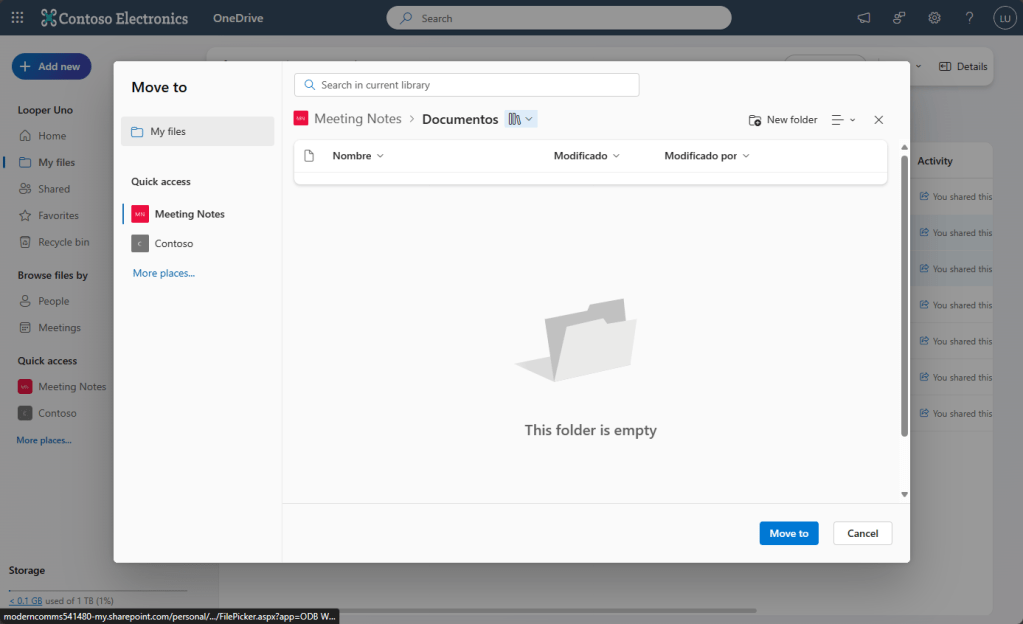
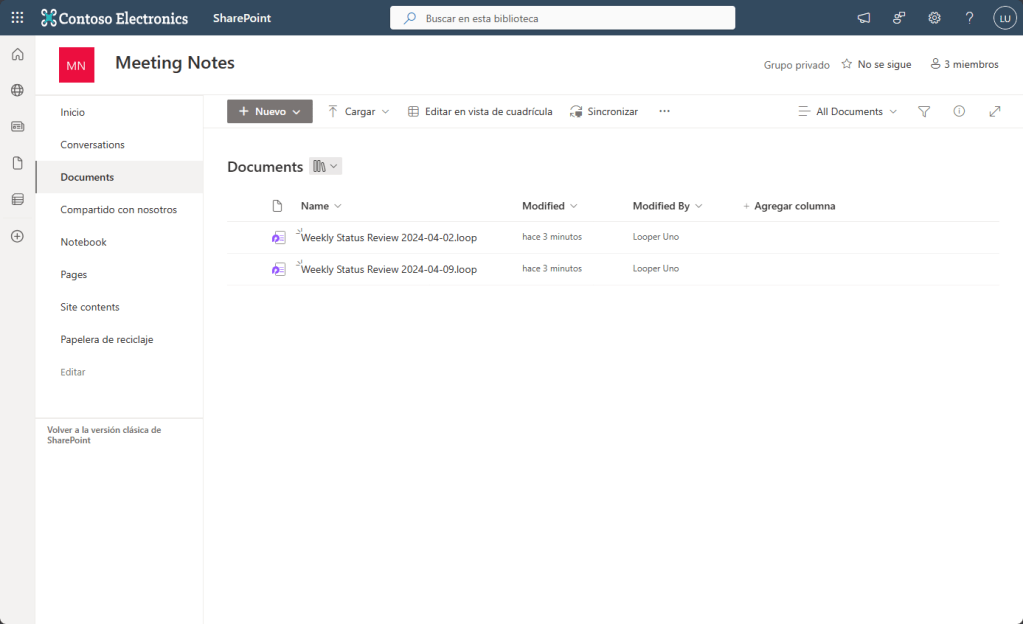
Then, these .loop files could be added to a Loop Workspace, specific to this Weekly meeting and only shared with meeting participants:*1
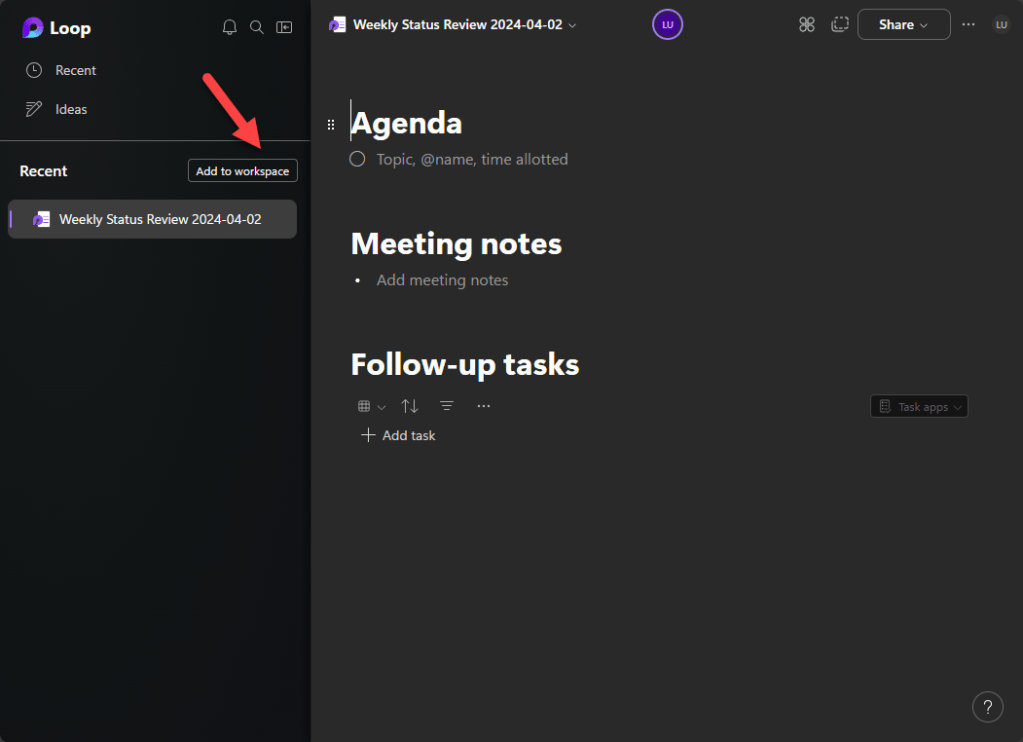
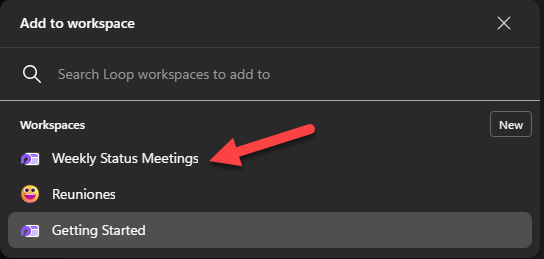
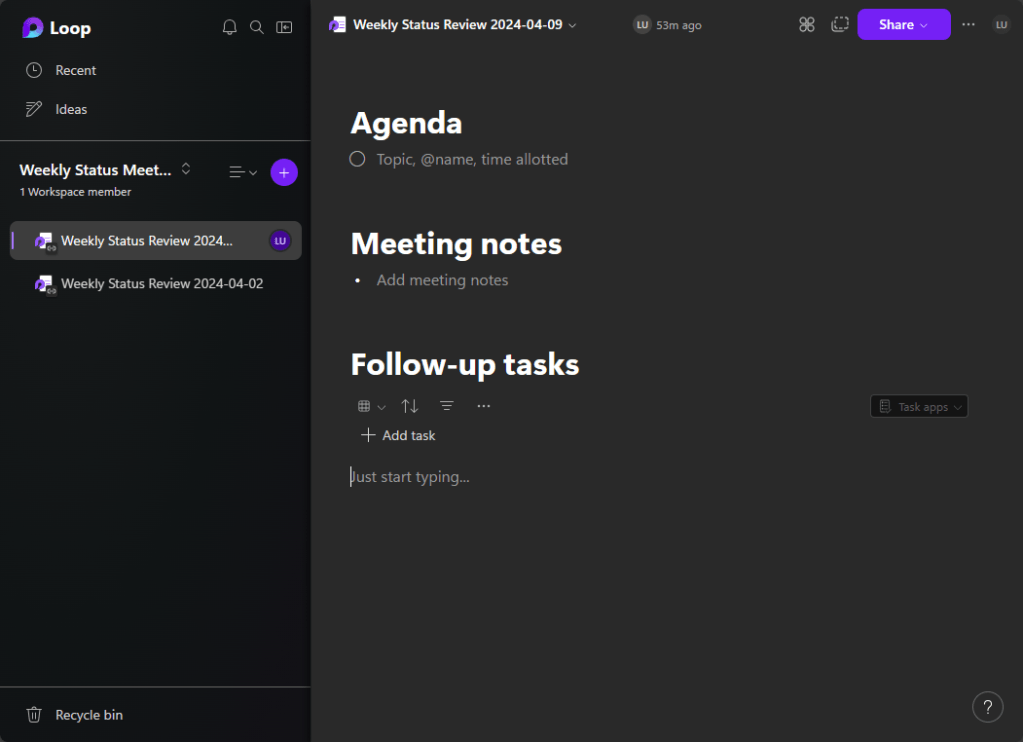
Some of the meeting notes will still be in participant’s OneDrive Site Collections and some meeting notes will need to be found in this Loop Workspace. Once the account is finally deleted and the retention period finalizes, the link between the meeting object and the collaborative note will be broken:
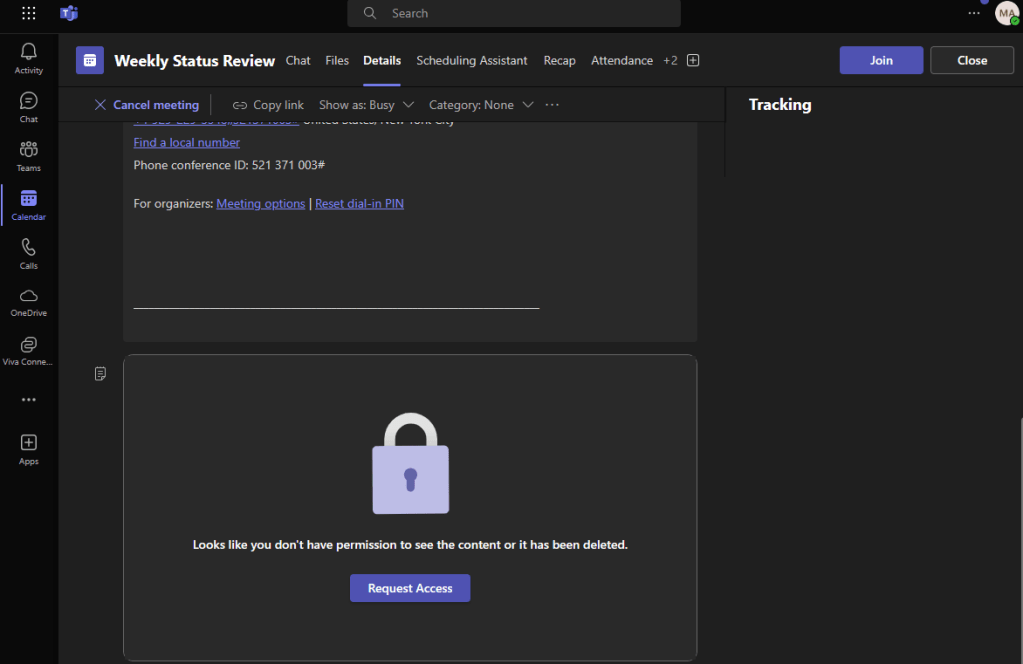
Note: Teams Meeting objects use the SPO/ODB sharing link to link the meeting with the Collaborative Meetings Notes, you can move around a file (in this case a .loop file) within a site and this link will not change unless you move it outside the original site.
1 Someone has already pointed out to me that, Loop Workspaces are tied to the creator/owner, and that they can become ownerless when the owner leaves the company, the documentation suggests that a method to transfer ownership of a Workspace will be available sometime in the future, in any case, when can stop right there and only use the SharePoint site (a more mature solution) as storage and for users to find the meeting notes.
This can be improved.
Can you imagine this situation in a large organization, multiple teams, multiple meetings? You would need to add this to your company’s procedures, educate your users and administrators, that’s why I think the storage location for Collaborative Meeting Notes needs to be evaluated again or some tools need to be provided to ease the migration from OneDrive to another account and the references to the Meeting object re-created.
The real solution might be outside Collaborative Notes
If you want to avoid all of this user and administrative effort, the best would be to educate your users to create a Loop Workspace for a recurrent meeting and create pages for every meeting occurrence, yes, we will not have the link between a meeting and a meeting note, however it will avoid us the complications of a departing employee.
 Andrés Gorzelany
Leave a comment